Your GPU hits 85°C in mid-game. Your CPU throttles during renders. Yet your case fans barely whisper. Sound familiar? You’re not cooling poorly—you’re cooling blindly. A static or default fan profile wastes airflow when you need it most and screams when silence matters. The fix? A tuned fan curve. Not just any curve—what is a good fan curve that balances noise, temperature, and longevity without guesswork.
Why Most Gamers Get Fan Curves Dead Wrong
Manufacturers ship safe—but lazy—default curves. They prioritize silence over thermal headroom. And let’s be real: BIOS sliders are crude. Set-and-forget tools like MSI Afterburner presets assume your airflow matches their test rig. It doesn’t.
Worse, too many guides push aggressive “ramp-up-at-60°C” logic. That ignores physics. Airflow needs inertia—not panic spikes. You end up with loud, inconsistent noise bursts that annoy more than they cool.
How to Build a Smarter Fan Curve
Forget copying YouTube thumbnails. Start with your hardware’s behavior—not someone else’s opinion. Monitor temps under real load (not Prime95 torture tests). Then dial in gradual response.
Step 1: Baseline Under Real Load
Run your favorite game at max settings for 20 minutes. Log CPU/GPU temps and fan RPMs via HWInfo64. Note the inflection point where temps plateau—that’s your thermal ceiling.
Step 2: Map Temperature Zones
Split your curve into three zones: idle (<40°C), moderate (40–70°C), and heavy (>70°C). Most heat events happen in zone two. That’s where finesse matters.
Step 3: Prioritize Smooth Transitions
Abrupt jumps create acoustic spikes. Ramp fan speeds in logarithmic steps, not linear. 30% at 50°C, 45% at 60°C, 70% at 75°C—then floor it only if hitting critical thresholds.
| Fan Control Method | Noise Level (dBA) | Peak Temp Reduction | Setup Complexity |
|---|---|---|---|
| Default BIOS Curve | 22–28 | Baseline | None |
| Aggressive Linear Ramp | 36–42 | 8–10°C | Low |
| Logarithmic Tuned Curve | 28–33 | 7–9°C | Moderate |
| Zero-RPM + Burst Response | 20 (idle) / 44 (burst) | 6–8°C | High |
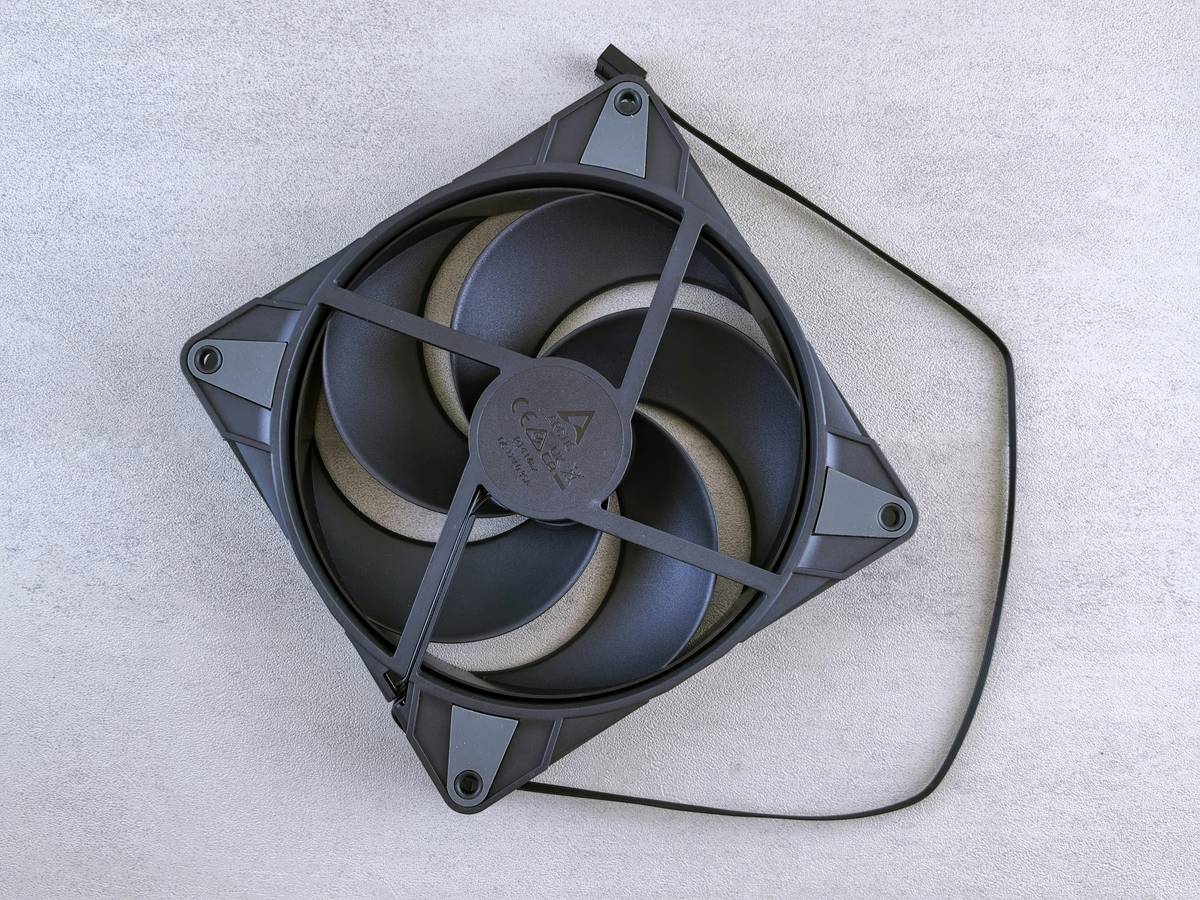
The Industry Secret: Fan Curves Are Useless Without Airflow Architecture
Here’s what no one tells you: a perfect curve on a choked case does nothing. You can dial in NASA-grade precision—but if your intake is fighting positive pressure from a single rear exhaust, you’re just spinning hot air in circles.
And yes, RGB shrouds look slick. But those plastic covers on RGB fans? They block 18–22% of static pressure. I’ve seen builds drop 12°C just by swapping decorative fans for high-airflow models—even with the same curve. Tune your case first. Then tune your software. The math is simple: CFM in must exceed heat generated. No curve compensates for bad airflow design.
Frequently Asked Questions
Does a steeper fan curve always lower temps?
No. Beyond a certain RPM, turbulence increases while airflow gains diminish—raising noise without meaningful cooling improvement.
Should CPU and GPU fan curves match?
Not necessarily. GPUs tolerate higher temps. Let your CPU curve respond earlier; GPU can stay passive until 65°C+.
Can a bad fan curve damage components?
Indirectly. Chronic high temps degrade thermal paste and capacitors faster. But fan curves themselves won’t fry hardware—they just fail to protect it.