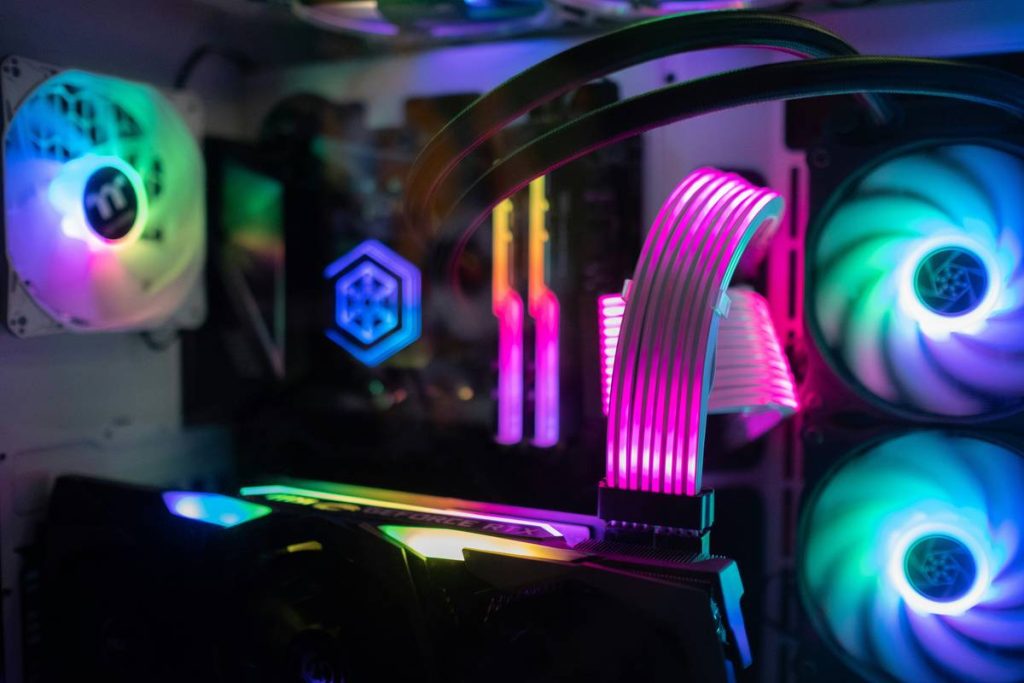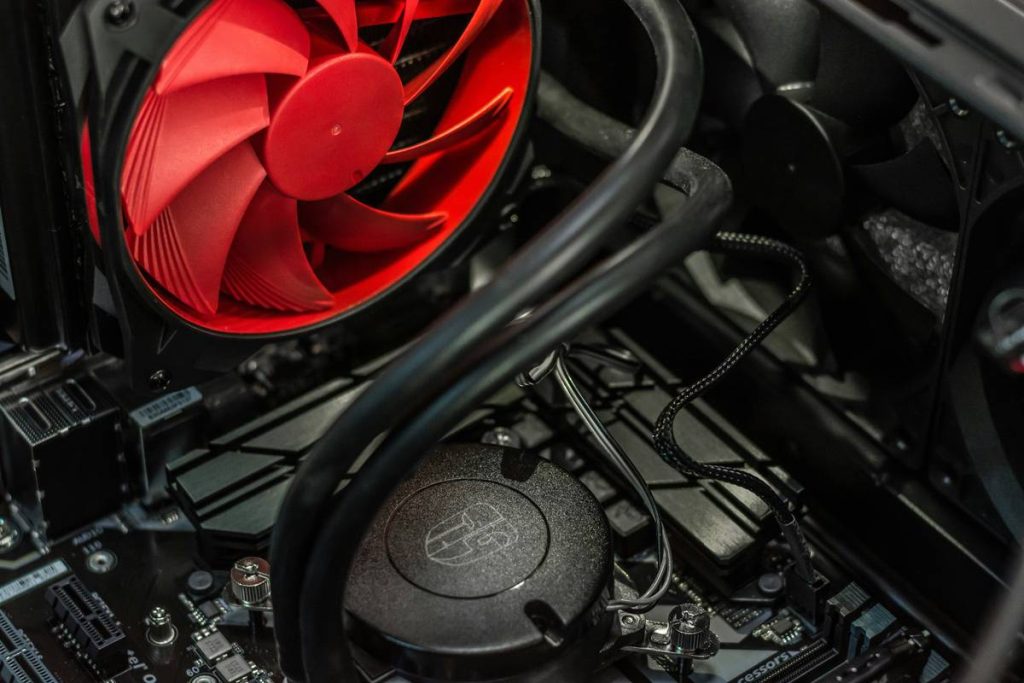
Your gaming rig is throttling. Frame rates dip during boss fights. Thermal paste isn’t the villain—you’re using the wrong kind of airflow. Most builders treat case fans like afterthoughts, copying specs from YouTube builds without understanding how components in air conditioning fan systems actually move heat. That lazy approach turns your RTX 4090 into a paperweight on a hot day.
Why Standard Case Fans Fail Hardcore Gamers
PC fans aren’t HVAC units—but they should borrow from them. Typical 120mm hobbyist fans spin fast but push chaotic, turbulent air. They create dead zones behind GPUs and trap heat near VRMs. And most don’t account for static pressure—the real metric that determines if air penetrates dense radiator fins or GPU heatsinks.
You’re not cooling silicon. You’re managing fluid dynamics inside a metal box. Get it wrong, and your $4,000 build runs like a budget laptop.
How to Engineer Real Airflow Like an HVAC Pro
Forget “more fans = better cooling.” Airflow balance matters more than raw CFM. Start with these principles:
Static Pressure vs. Airflow: Pick Your Weapon
High-airflow fans (like Noctua NF-A12x25) excel in open chassis with minimal obstructions. High-static-pressure models (Arctic P12 PWM PST) punch through radiators and fin stacks. Mixing both types? You’re begging for turbulence.
Intake/Exhaust Ratio—The 60/40 Rule
Run slightly more intake than exhaust—about 60% intake, 40% exhaust. This creates positive pressure, reducing dust buildup and stabilizing internal temps. Negative pressure pulls in warm air from cable gaps. Not ideal.
Fan Curves Are Your Best Friend
Ditch fixed RPM settings. Build custom fan curves in BIOS or apps like FanControl. Let temps dictate speed—not arbitrary percentages. A 5°C drop at idle is worth the extra click.

| Fan Type | Static Pressure (mm H₂O) | Airflow (CFM) | Best Use Case | Noise (dBA) |
|---|---|---|---|---|
| Noctua NF-F12 | 2.64 | 54.9 | Radiators, GPU shrouds | 22.6 |
| Arctic P12 PWM | 2.25 | 59.0 | Front intake, mesh panels | 25.0 |
| Corsair ML120 Elite | 2.38 | 57.3 | Hybrid: intake/exhaust | 23.5 |
| be quiet! Silent Wings 4 | 1.70 | 47.0 | Quiet builds, low-load systems | 16.8 |

The Industry Secret: HVAC Engineers Don’t Trust Symmetry
Here’s what fan manufacturers won’t tell you: perfect symmetry kills efficiency. In commercial AC units, engineers stagger fan placements to break up laminar flow and prevent resonance hotspots. Apply this to PCs—offset your top exhaust by 15mm from center, or angle your rear fan 5 degrees downward. It disrupts heat plumes rising from the CPU.
But—and this is critical—only do this if your case has uniform venting. Uneven mesh? Stick to textbook layouts. The math is simple: asymmetric airflow only works when your chassis doesn’t fight it.
FAQ
What are the main components in air conditioning fan systems relevant to PCs?
Blades, motors, bearings, and housings—just like PC fans. But HVAC units prioritize durability over noise; PC fans reverse that tradeoff.
Can I use actual AC fans in a gaming PC?
Technically yes—but their size, voltage (often 115V), and lack of PWM control make them impractical. Stick to 12V DC PC-optimized models.
Do more fans always lower temperatures?
No. Beyond 4–6 well-placed fans, diminishing returns kick in. Poorly managed airflow creates eddies that trap heat, not release it.