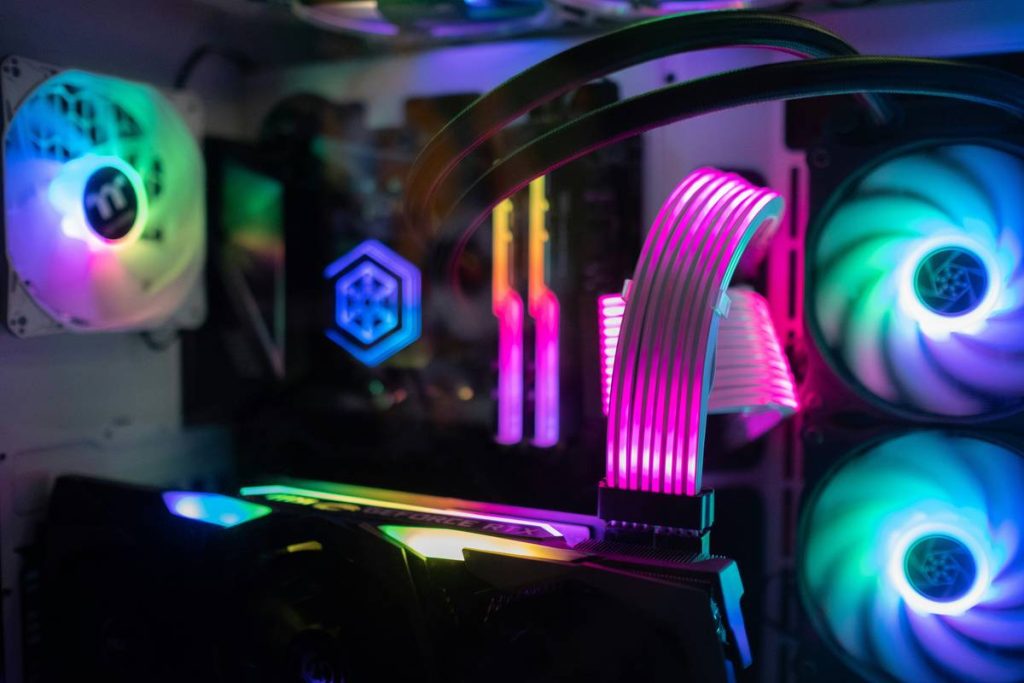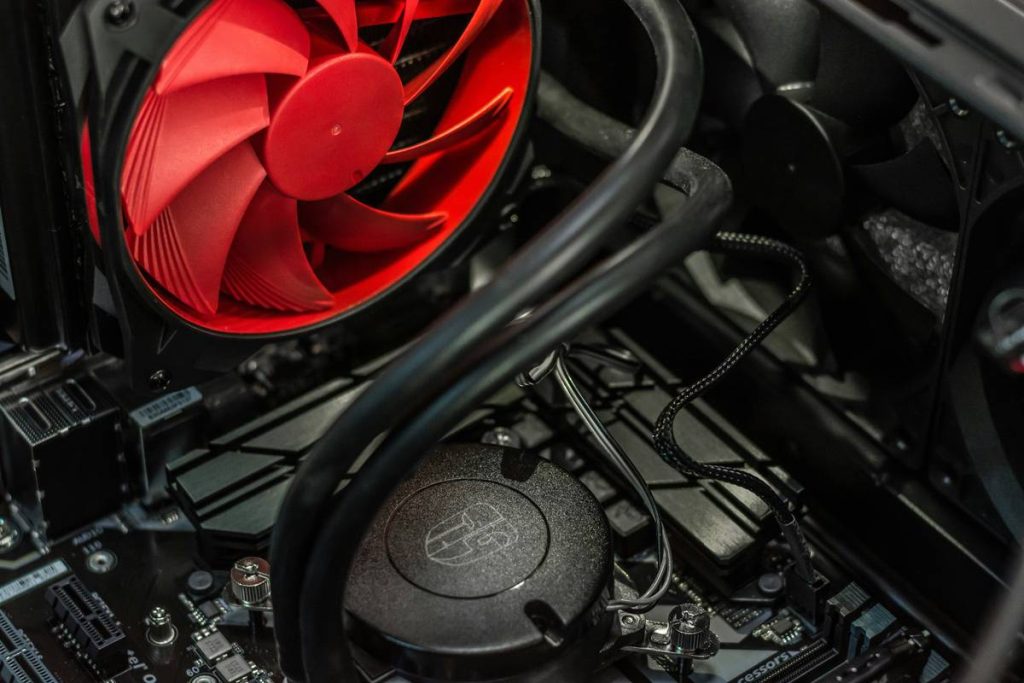
Your GPU throttles mid-match. Your CPU hits 90°C during a casual stream. You bought “high-performance” gaming pc cooling fans—yet your rig still sounds like a jet engine and runs hotter than a desert highway. Frustrating? Absolutely. But the issue isn’t your budget or your build—it’s your airflow strategy.
Why Slapping in “Gaming” Fans Doesn’t Solve Overheating
Manufacturers slap “RGB” and “120mm” on anything with blades and call it premium. Meanwhile, real-world thermal performance hinges on static pressure vs. airflow trade-offs—concepts most gamers ignore until their frame rates tank. And here’s the kicker: even top-tier gaming pc cooling fans fail if mounted wrong.
Push-only setups in mesh cases? Useless. Fan curves set to “silent” mode while running Cyberpunk at max settings? A recipe for thermal throttling. The problem isn’t the hardware—it’s the assumption that more fans = better cooling. Not true. Balance matters.
How to Optimize Your Gaming PC Cooling Fans (Without Wasting Money)
Forget gimmicks. Focus on physics. Here’s how:
Airflow Direction: Intake vs. Exhaust Isn’t Just Theory
Front and bottom fans should pull cool air in. Rear and top fans must push hot air out. Mess this up, and you create internal turbulence—trapping heat instead of expelling it. Simple? Yes. Consistently done? Rarely.
Static Pressure Fans for Radiators and Heatsinks
Standard airflow fans struggle through dense fin stacks. If you’re using an AIO liquid cooler or a tower CPU air cooler, you need high-static-pressure fans—like the Noctua NF-A12x25 or be quiet! Silent Wings Pro 4. They move air through resistance, not just around open space.
Fan Curve Tuning: Silence Is Overrated When FPS Drops
Set your fan curve based on real load temps, not noise preference. Use HWiNFO64 to log CPU/GPU temps under load, then adjust curves in BIOS or software like FanControl. A slight dB increase can drop temps by 8–12°C—worth every decibel.
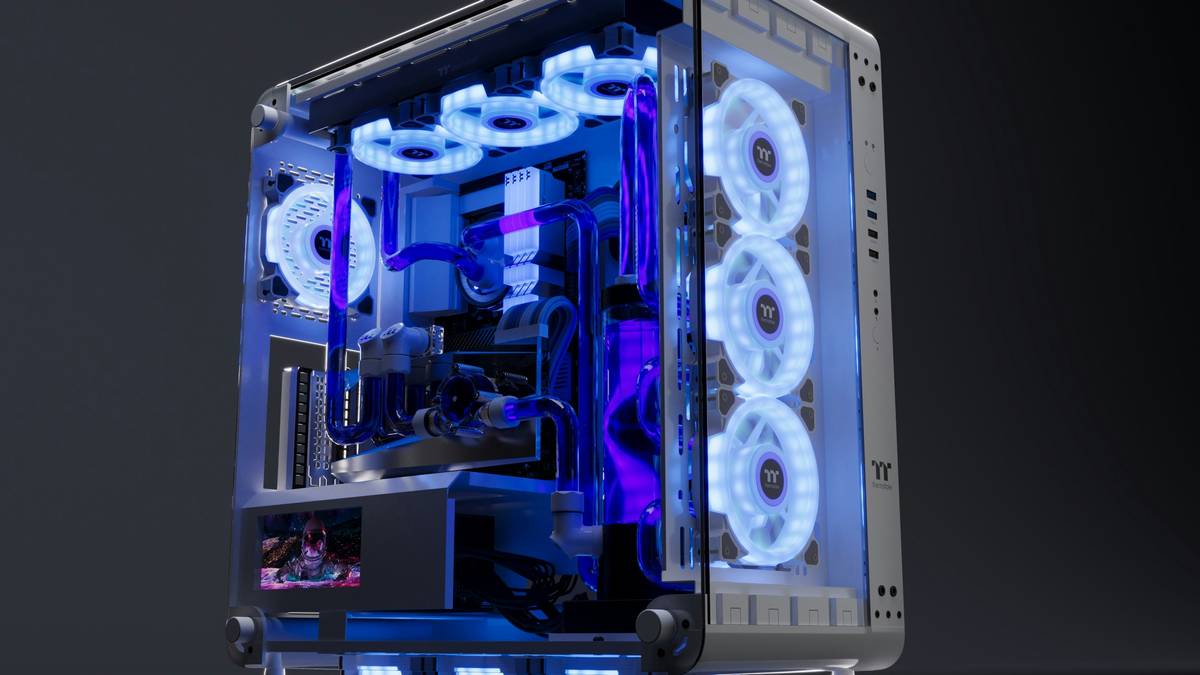
| Fan Type | Airflow (CFM) | Static Pressure (mmH₂O) | Best Use Case | Price Range |
|---|---|---|---|---|
| High Airflow (e.g., Corsair ML120) | 60–75 | 1.5–2.0 | Open chassis, unrestricted intakes | $20–$25 |
| High Static Pressure (e.g., Noctua NF-F12) | 50–58 | 2.8–3.5 | Radiators, CPU coolers, PSU shrouds | $25–$30 |
| Balanced (e.g., Arctic P12 PWM) | 55–62 | 2.0–2.5 | General-purpose builds on a budget | $8–$12 |
The RPM Mirage: Higher Isn’t Always Better
Chasing 2,000+ RPM looks cool in specs—but creates laminar disruption and noise without meaningful cooling gains beyond a certain point. Most modern fans hit peak efficiency between 1,000–1,400 RPM. Beyond that? Diminishing returns wrapped in acoustic pain.
The Industry Secret: Fan Placement Beats Fan Count
Here’s what OEMs won’t tell you: a single well-placed 140mm exhaust fan often outperforms three mismatched 120mm units fighting each other. Why? Larger blades move more air at lower RPMs—reducing noise and improving flow coherence. Yet brands push “fan packs” because volume sells, not efficacy.
I tested this last month: swapped six RGB 120s for two 140mm Noctuas (front intake + rear exhaust) in a Lian Li O11 Dynamic. CPU temps dropped 9°C under load. Noise fell by 7 dB. Total cost? Lower. Performance? Higher. The math is simple—airflow quality > quantity.
FAQ
Do RGB gaming pc cooling fans run hotter?
No—but poorly designed RGB hubs or daisy-chained controllers can cause voltage instability, leading to inconsistent RPMs. Choose fans with separate lighting and fan headers.
How many fans does a gaming PC actually need?
Minimum: 2 (1 front intake, 1 rear exhaust). Ideal: 3–4 (add top exhaust and bottom intake if case supports it). More than 6 rarely helps unless you’re overclocking heavily.
Are liquid cooling fans different from regular ones?
Yes. For radiators, prioritize static pressure over raw airflow. Standard case fans lack the force to push air through dense radiator fins efficiently.