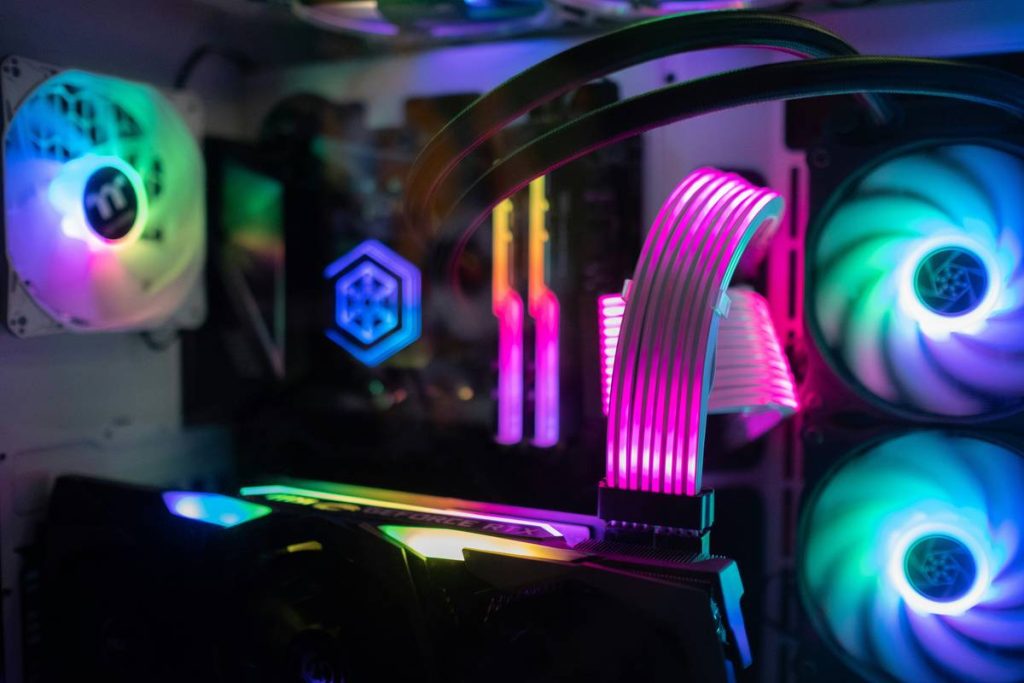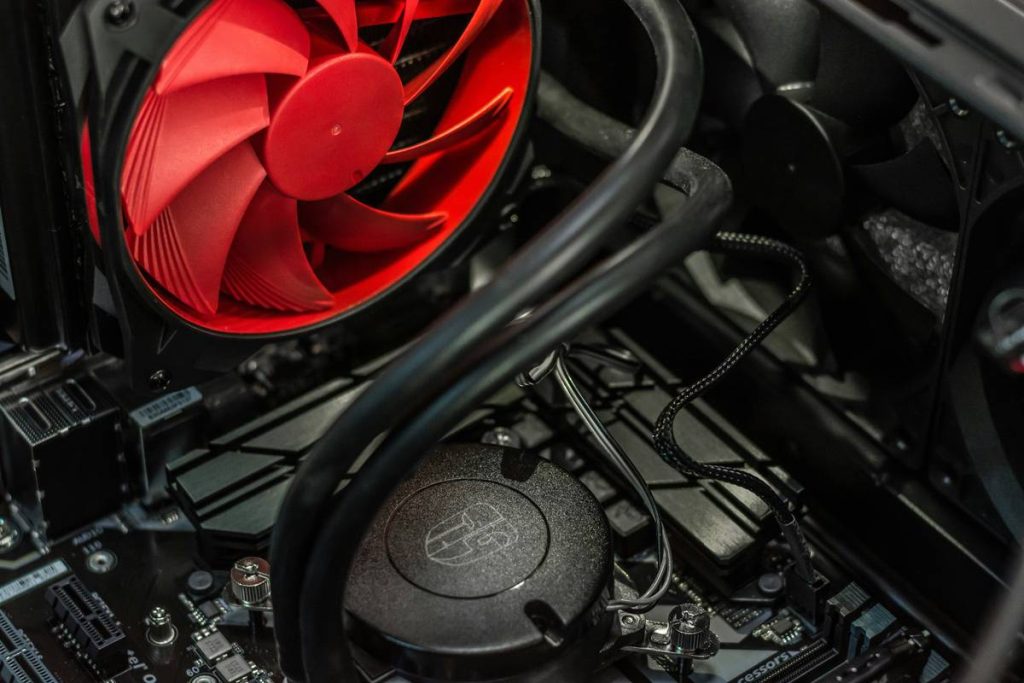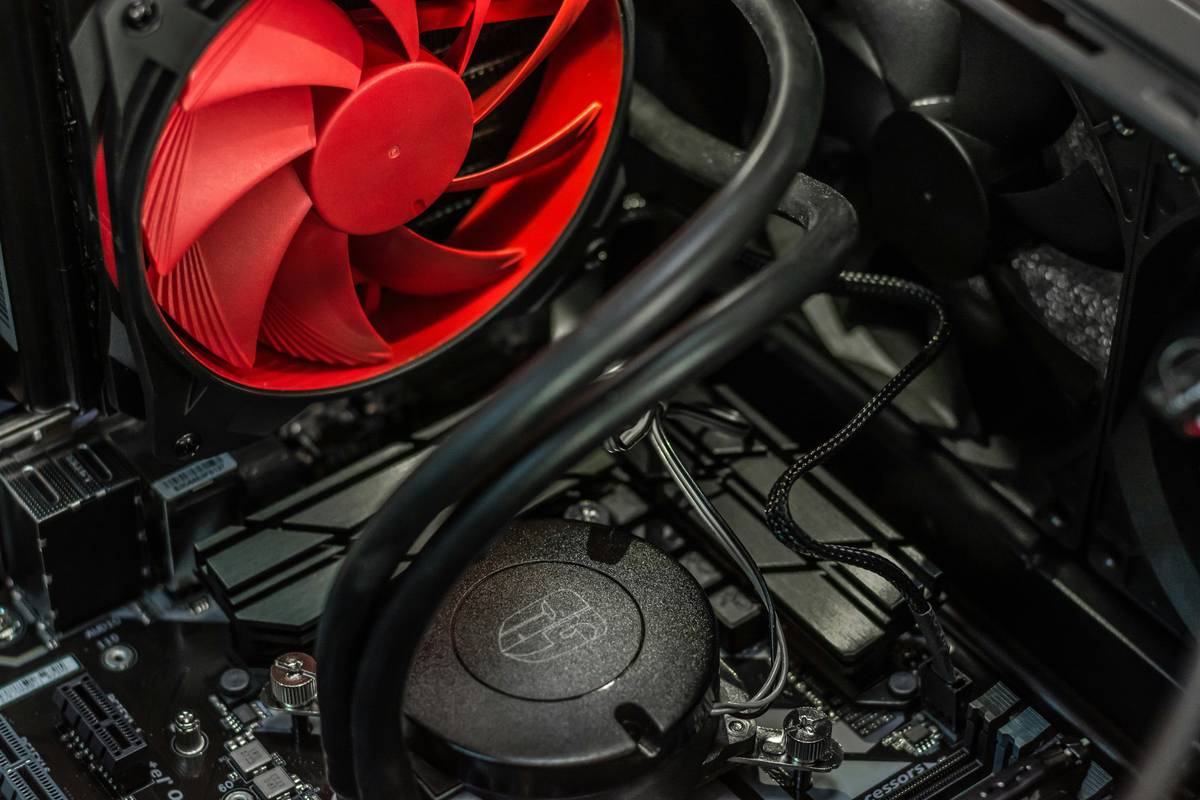
You drop $200 on a GPU, $300 on a CPU—and then slap on stock case fans that sound like a jet turbine throttling up in your bedroom. Noise ruins immersion. Heat throttles performance. And yet, most “guides” just list specs without context. Here’s the fix: not all airflow is equal, and what are good pc fans depends entirely on where you install them.
Why Most Fan Recommendations Fail Gamers
Manufacturers hype RPMs and CFM like they’re horsepower ratings. But raw airflow means nothing if it doesn’t move heat *through* your rig efficiently. A 90CFM fan pointed at empty space does squat. Worse—cheap bearings wear out in months, leaving you with rattling death rattles during boss fights.
And airflow ≠ static pressure. Radiators and dense heatsinks need pressure-focused blades. Open grilles? Go wide and gentle. Mix them up, and you’re literally fighting your own cooling.
What Are Good PC Fans: A Practical Builder’s Framework
Forget generic “best of” lists. Pick fans based on function, location, and acoustic tolerance. Here’s how:
Airflow vs. Static Pressure—Know Your Battlefield
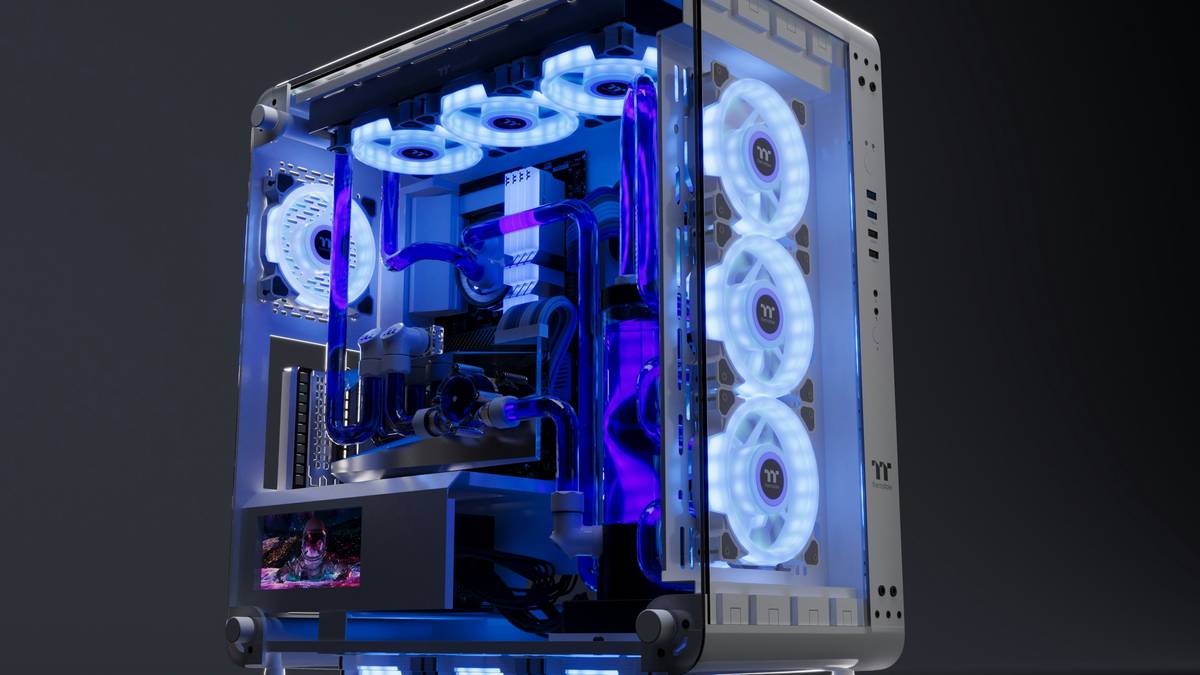
Airflow-optimized fans (high CFM, low noise) dominate front intakes and rear exhausts. Think open highways for hot air. Static pressure champs (higher mmH₂O rating) push through radiator fins or mesh filters—they’re your special ops units.
Noise Isn’t Just Decibels—It’s Frequency
A 28dBA fan can still annoy if it whines at 3kHz. Look for hydraulic or fluid dynamic bearings—they shift noise to lower, less intrusive frequencies. Your ears (and roommates) will thank you.
Size Matters—But Not How You Think
140mm fans move more air at lower RPMs than 120mm—meaning quieter operation. But case clearance often forces compromises. Measure first. Always.
| Fan Type | Best Use Case | Key Metric | Avg. Price Range |
|---|---|---|---|
| Airflow-Optimized (e.g., Noctua NF-A12x25) | Front/Rear Case Vents | CFM > 60, Noise < 25dBA | $25–$35 |
| Static Pressure (e.g., Corsair ML140) | Radiators, Heatsinks | Static Pressure > 2.5mmH₂O | $20–$30 |
| Budget Multi-Role (e.g., Arctic P12) | General Build / Budget Builds | Balanced CFM + Pressure | $8–$12 |
The Industry Secret: Fan Curves Trump Specs Every Time
Here’s what reviewers won’t tell you: two fans with identical CFM can perform wildly differently under load because of their fan curve. High-end models let you tune RPM response via BIOS or software—so your fans stay silent at idle but ramp aggressively at 70°C. Cheap fans? They’re either whisper-quiet or screaming—no middle ground. The math is simple: invest in fans with customizable curves. Your FPS stability during marathon sessions depends on thermal consistency—not peak burst numbers.
FAQ
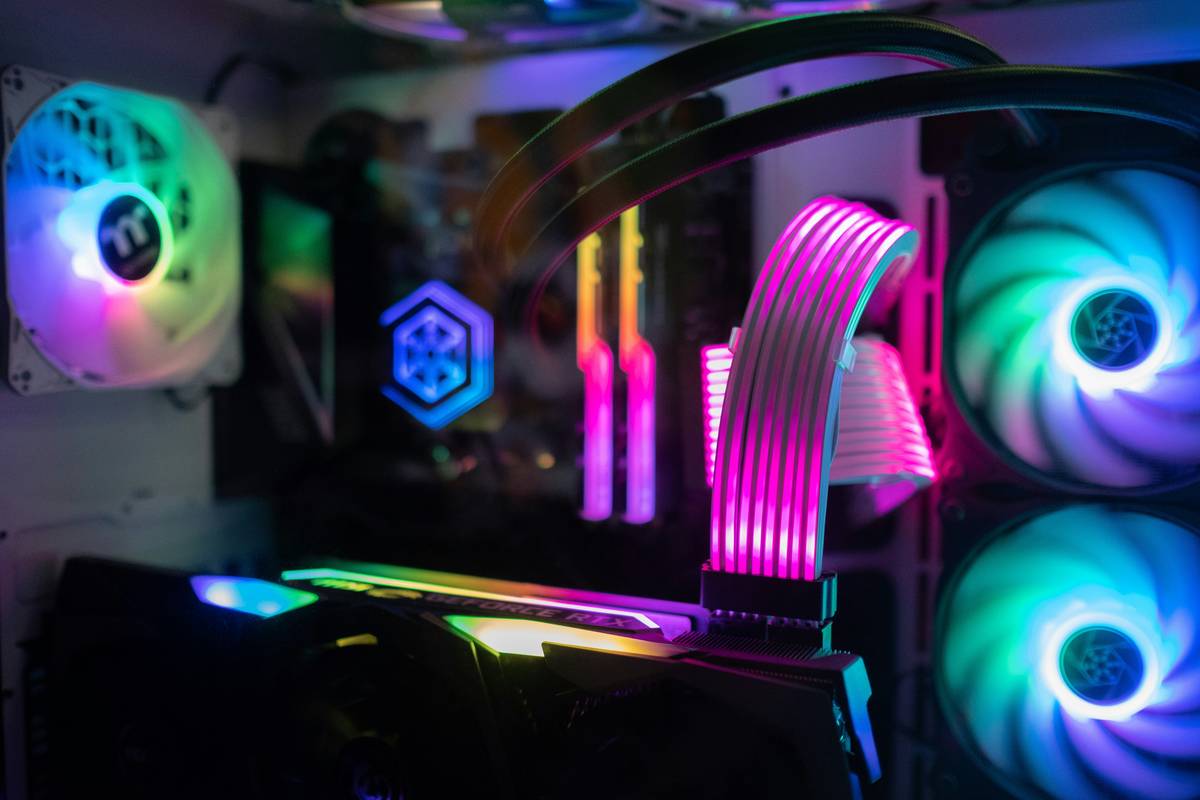
Are RGB fans worse for cooling? Not inherently—but many prioritize looks over aerodynamics. Check blade design and bearing type first; RGB is just icing.
How many case fans do I need for gaming? Minimum: one front intake, one rear exhaust. Ideal: two front, one rear, one top. Balance positive pressure to reduce dust buildup.
Can I mix different fan brands in one PC? Yes—but avoid mixing airflow and static pressure types in the same loop (e.g., don’t pair a high-static fan with a high-airflow fan on one radiator).